Aspect Ratio
Media frame primitive that preserves layout rhythm before images or embeds load.
Copy a concise page brief or the full MDX source without digging through the docs shell.
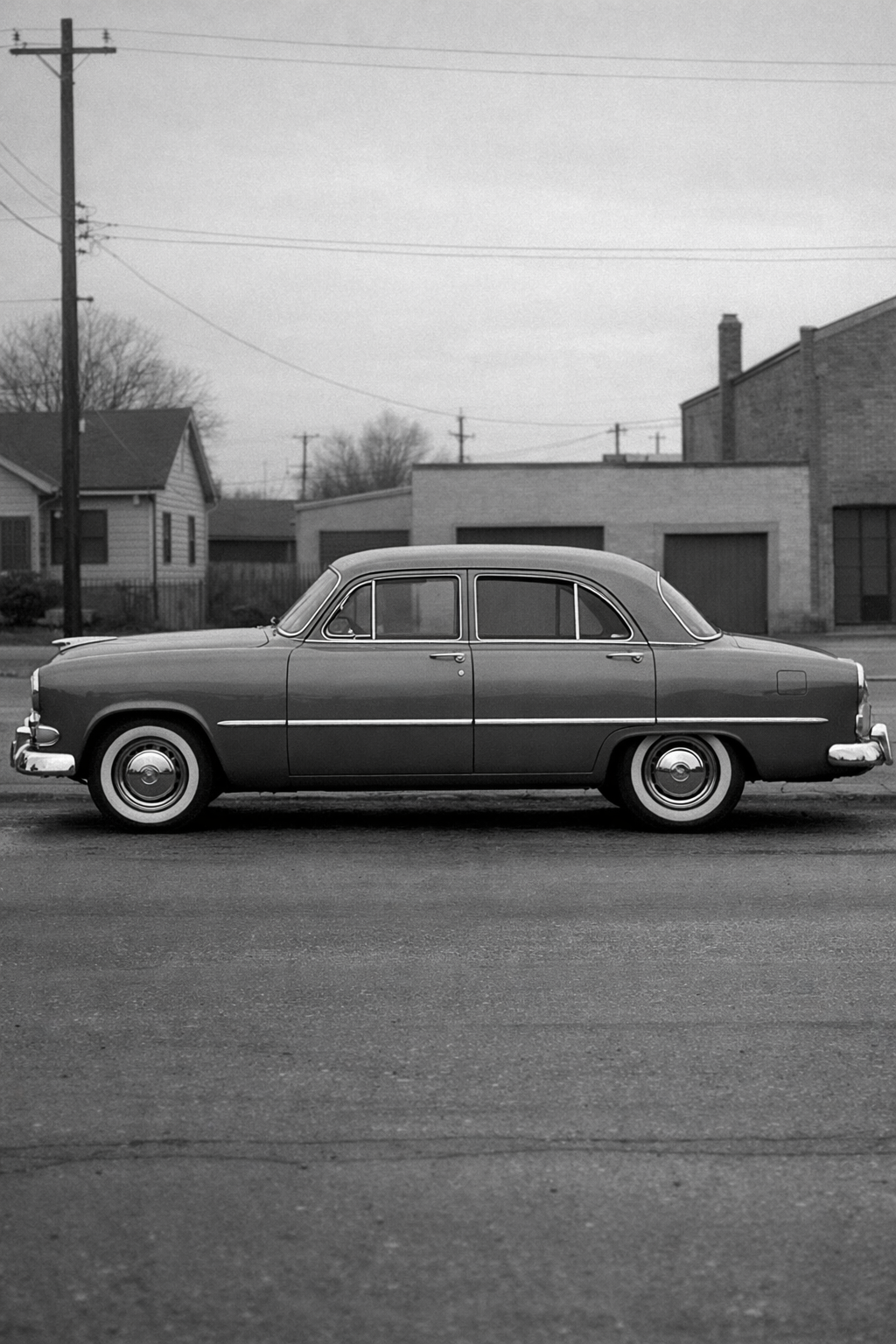
AspectRatio reserves the shape of a media region before its content arrives. That makes page rhythm more stable, prevents layout shift, and gives cards, galleries, and editorial surfaces a dependable frame to design around.
Installation
Purchase access, then open /account/install to issue a registry token.Usage
import { AspectRatio } from "@/components/ui/aspect-ratio"<AspectRatio ratio={4 / 3} className="overflow-hidden border border-border">
<img
src="/editorial/archive/family-sedan.png"
alt="Black and white photograph of a 1950s family sedan."
className="size-full object-cover"
/>
</AspectRatio>Why This Primitive Exists
Media-heavy layouts break down quickly when image proportions vary or when content shifts after hydration. This primitive keeps the frame stable so typography, cards, and adjacent controls can align before the asset itself is visible.
- Use it for images, posters, video placeholders, and framed embeds.
- Prefer it whenever layout rhythm depends on a predictable media box.
- Avoid it when the content should size itself naturally from text or intrinsic height.
Examples
Basic Media Frame
The simplest use is a single reserved image area.
<AspectRatio ratio={4 / 3}>
  <img
    src="/editorial/archive/portable-typewriter.png"
    alt="Black and white photograph of a 1950s portable typewriter."
  />
</AspectRatio>
Multiple Ratios In One System
Different surfaces can use different proportions as long as each region remains explicit.


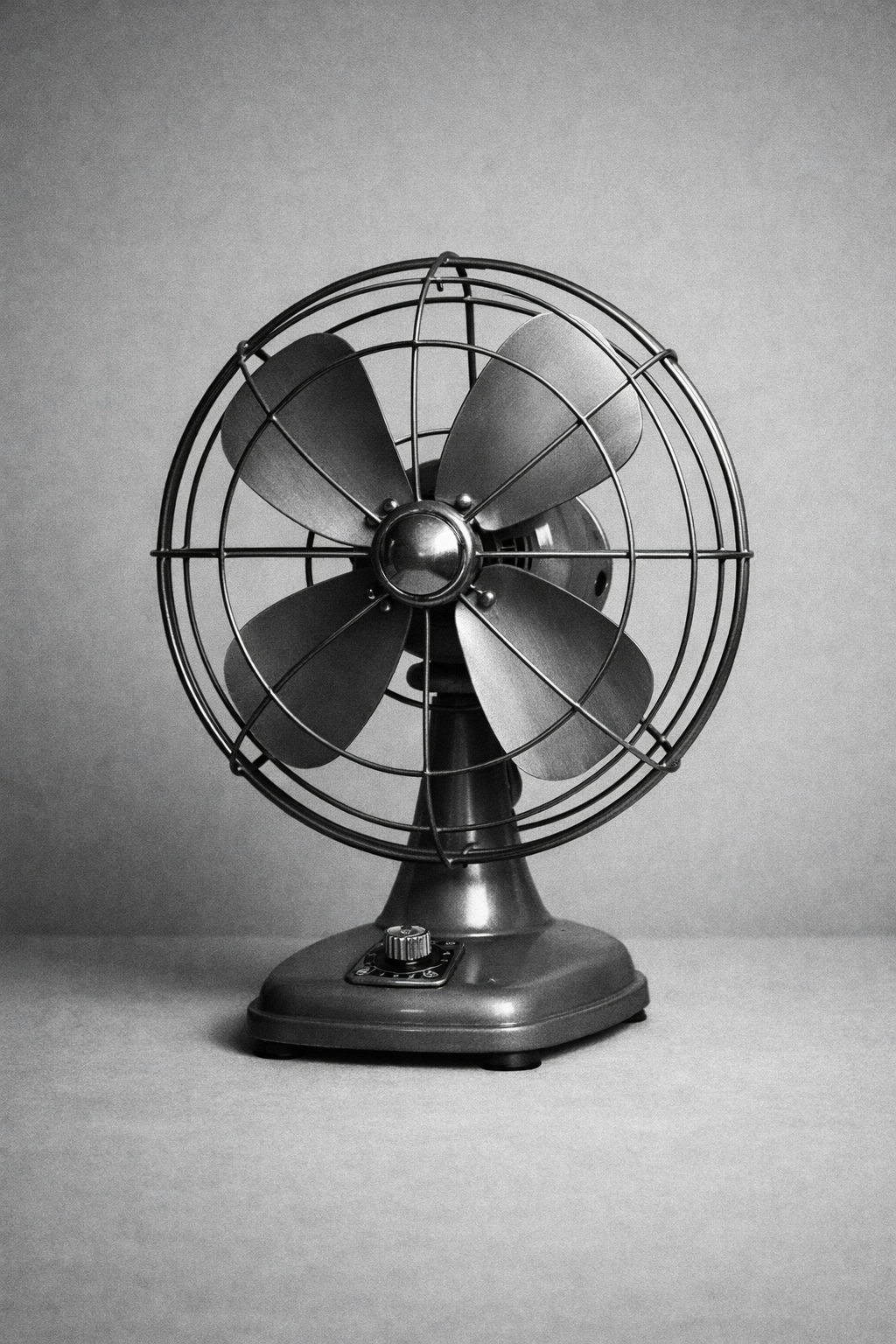
<AspectRatio ratio={1} />
<AspectRatio ratio={4 / 5} />
<AspectRatio ratio={16 / 9} />
In Context
The primitive is most valuable when it protects larger editorial or commerce compositions from reflow.
Editorial lead image

Guidance
Pick Ratios Deliberately
1 / 1works for uniform grids and avatars.4 / 3and4 / 5work well for product and editorial stills.16 / 9is a good default for wide hero media and video surfaces.
Let The Child Handle Rendering
AspectRatiocontrols the frame, not the media presentation.- Apply
object-cover, overlays, and border treatments to the child content or wrapper. - Keep overflow hidden when the child should not bleed outside the frame.
Use It To Protect Layout Rhythm
- Add it wherever delayed assets would otherwise change page height.
- Pair it with cards and lists so repeated surfaces stay aligned.
- If the content has no meaningful fixed proportion, skip the wrapper rather than inventing one.
API Reference
AspectRatio
AspectRatio is a thin wrapper around @radix-ui/react-aspect-ratio.
| Prop | Type | Default |
|---|---|---|
ratio | number | none |
className | string | undefined |
The component also accepts the full React.ComponentPropsWithoutRef<typeof AspectRatioPrimitive.Root> API from Radix.