Editorial Figure Strip
Multi-figure editorial block for reference imagery, research notes, and visual storytelling.
Copy a concise page brief or the full MDX source without digging through the docs shell.
Block / Figure strip
Reference material can stay structured.
A modular figure grid for research notes, visual studies, and product storytelling.
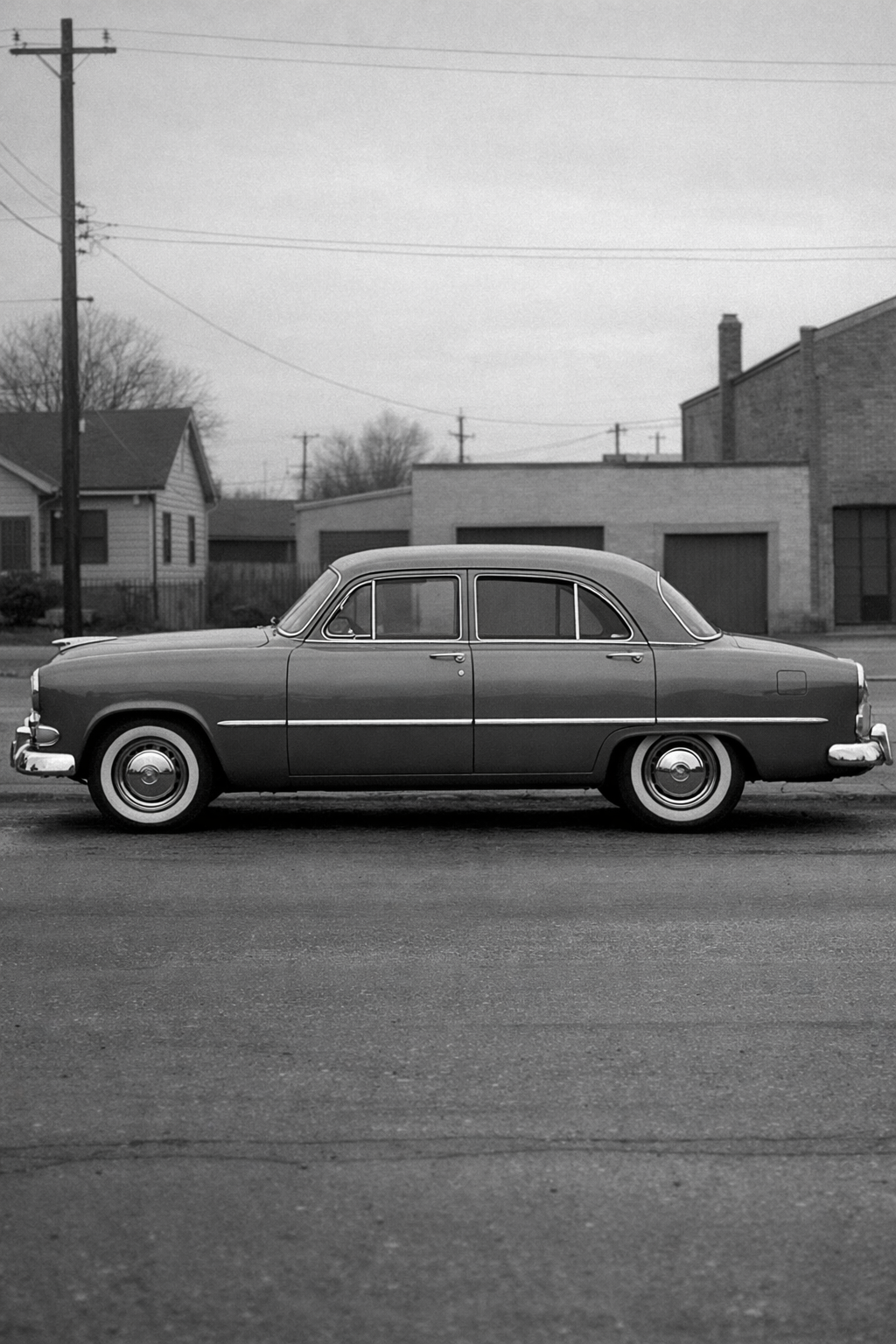
A sedan profile gives wide crops real structure. The form is simple enough to hold a card or hero without drifting into generic stock imagery.
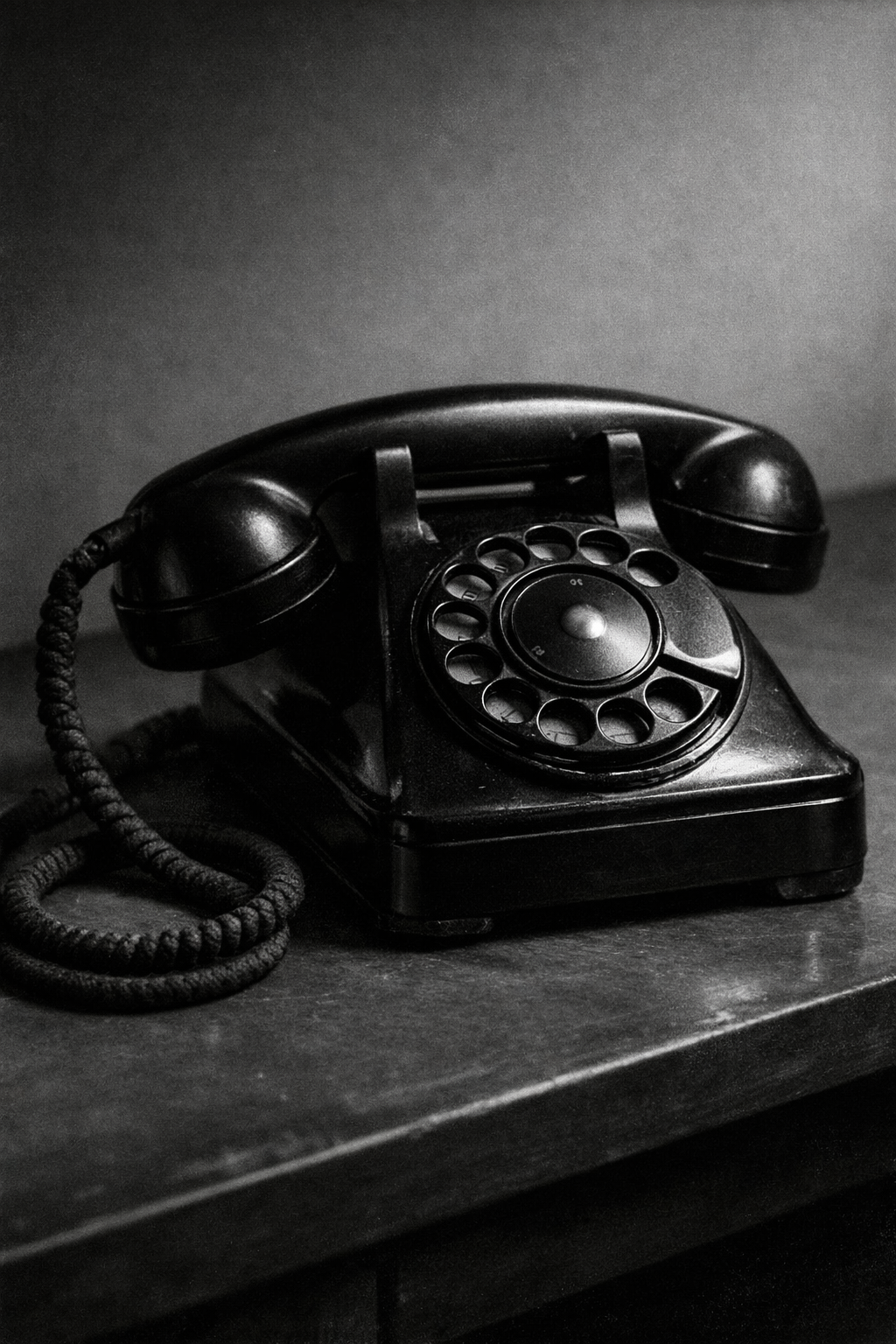
The telephone keeps the composition direct. The handset, dial, and cord give smaller frames enough detail without making them noisy.
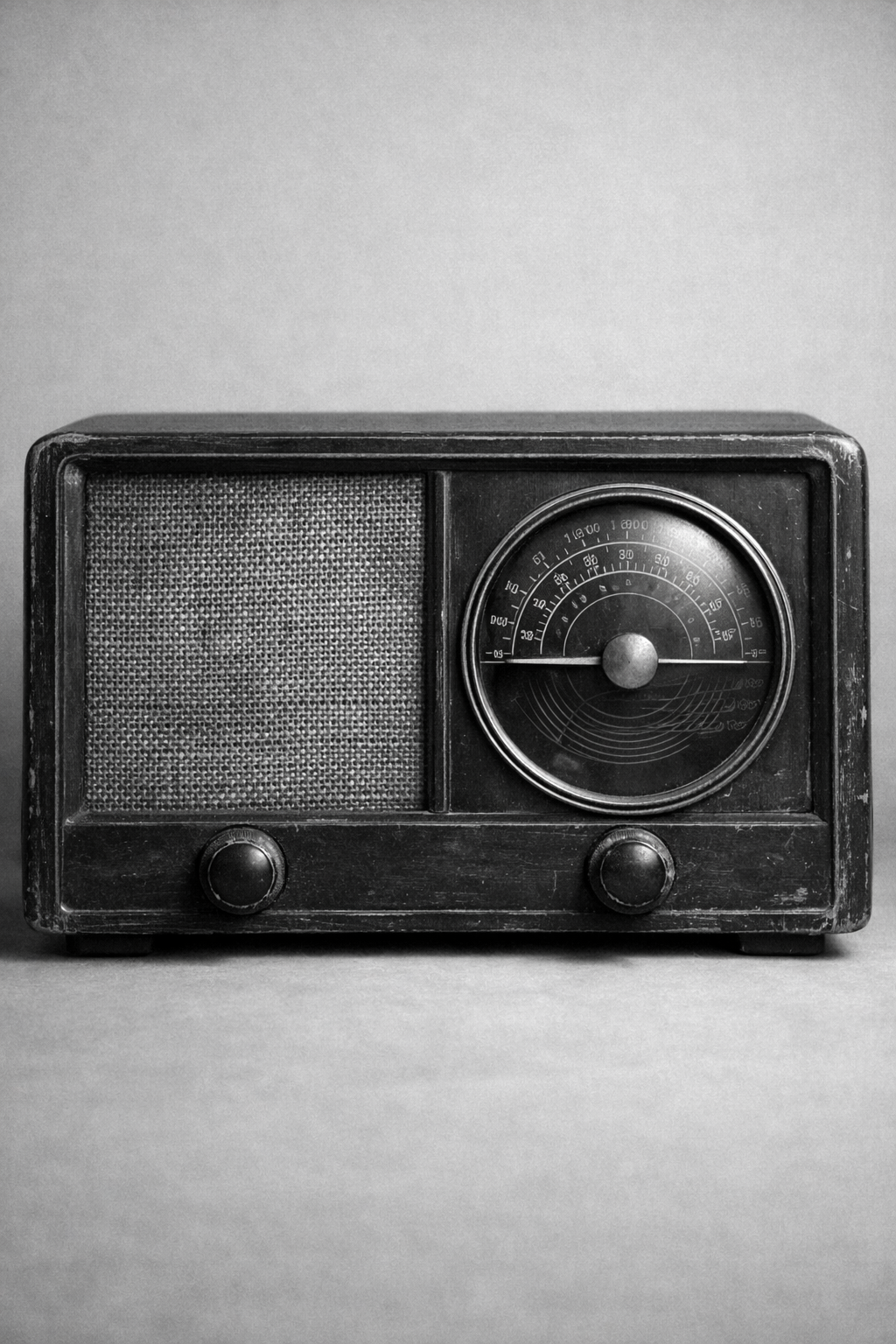
The radio reads well when the layout needs a denser still life. Its grille and controls keep the surface active while staying orderly.
EditorialFigureStrip is the journal system's structured image sequence. It lets a page present several related visuals with captions and summaries while keeping them inside the same prose rhythm as the surrounding article.
Installation
Purchase access, then open /account/install to issue a registry token.Usage
import { EditorialFigureStrip } from "@/registry/swiss/blocks/editorial-figure-strip"<EditorialFigureStrip
eyebrow="Visual references"
title="Reference material can stay structured."
description="A modular figure grid for research notes and product storytelling."
items={[
{
title: "Reference one",
summary: "Short explanation for the image.",
image: {
src: "/editorial/archive/tabletop-radio.png",
alt: "Black and white photograph of a 1950s tabletop radio.",
caption: "Caption and source",
},
},
]}
/>Why This Block Exists
Articles often need more than one figure, but a raw gallery usually loses the narrative thread. This block keeps each image tied to a short summary and caption so readers understand why the figure is there.
- Use it when several visuals support one section of an article.
- Prefer it over a loose image grid when the figures need editorial framing.
- Avoid it when one image is enough or when the content needs a full slideshow interaction.
Examples
Three-Up Reference Strip
The standard usage is a short section title followed by several supporting figures with narrative context.
Block / Figure strip
Reference material can stay structured.
A modular figure grid for research notes, visual studies, and product storytelling.
A sedan profile gives wide crops real structure. The form is simple enough to hold a card or hero without drifting into generic stock imagery.
The telephone keeps the composition direct. The handset, dial, and cord give smaller frames enough detail without making them noisy.
The radio reads well when the layout needs a denser still life. Its grille and controls keep the surface active while staying orderly.
Tighter Two-Up Layout
The block still works when the article only needs two strong images. The important part is that each item keeps title, summary, and caption together.
Visual references
A tighter strip for adjacent article sections.
The block still works with fewer items when the narrative only needs a couple of reference frames.
A sedan profile gives wide crops real structure. The form is simple enough to hold a card or hero without drifting into generic stock imagery.
The telephone keeps the composition direct. The handset, dial, and cord give smaller frames enough detail without making them noisy.
<EditorialFigureStrip
  eyebrow="Visual references"
  title="A tighter strip for adjacent article sections."
  items={items.slice(0, 2)}
/>
In Context
Use the strip after body copy when the narrative is ready to support its claims with visual material. It should feel like a section of the article, not a detached media gallery.
Use the figure strip after explanatory copy when the reader needs several related references without leaving the article rhythm.
Supporting figures
Images stay part of the article rather than a detached gallery.
The telephone keeps the composition direct. The handset, dial, and cord give smaller frames enough detail without making them noisy.
The radio reads well when the layout needs a denser still life. Its grille and controls keep the surface active while staying orderly.
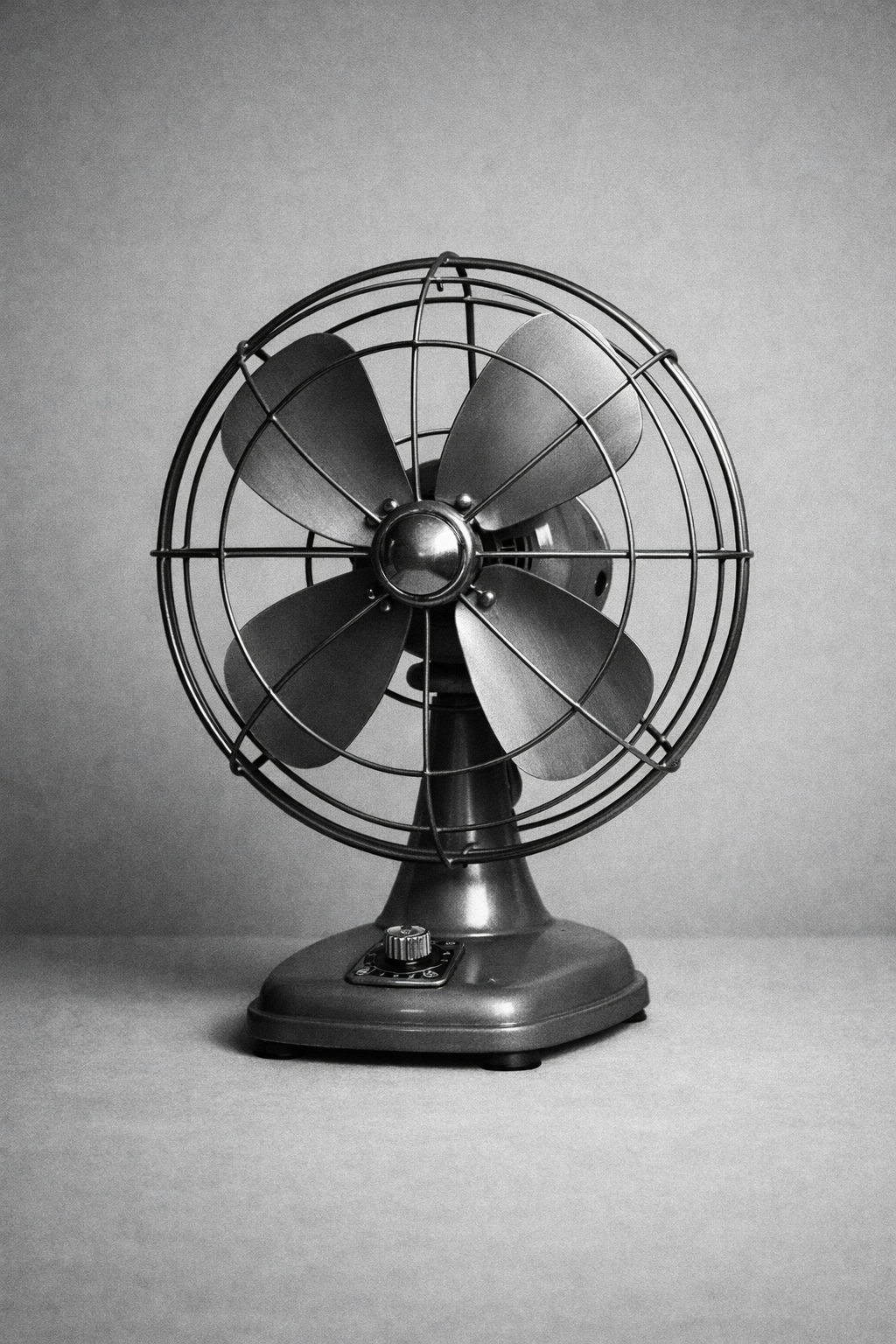
The desk fan gives wide frames a clear rhythm. Repeated metal lines make it useful anywhere the layout wants calm motion without illustration.
Guidance
Curate, Do Not Dump
- Each image should earn its place.
- Limit the set to figures that advance the same idea.
- If the strip becomes a catch-all gallery, the summaries stop helping.
Write Supporting Copy With Intent
titleshould identify the figure's role quickly.summaryshould explain why the reader should care.captioncan hold source or production detail without crowding the summary.
Keep It In Article Rhythm
- Introduce the strip with a meaningful
eyebrowand section title. - Place it where the article benefits from a visual pause.
- If the page is primarily visual and not editorial, another gallery-oriented block may be more honest.
API Reference
EditorialFigureStrip Props
| Prop | Type | Required | Notes |
|---|---|---|---|
eyebrow | string | yes | Small section label. |
title | string | yes | Section headline for the strip. |
description | string | no | Optional intro copy above the figures. |
items | EditorialFigureStripItem[] | yes | Array of figure entries. |
EditorialFigureStripItem
| Field | Type | Required | Notes |
|---|---|---|---|
title | string | yes | Figure label inside the item card. |
summary | string | yes | Short editorial explanation. |
image.src | string | yes | Image URL. |
image.alt | string | yes | Accessible alt text. |
image.caption | string | yes | Figure caption text. |
image.sourceLabel | string | no | Optional source label. |
image.sourceUrl | string | no | Optional source link. |
The block uses ProseSection, ProseFigure, ProseBody, and ProseCaption internally, so it inherits the same editorial spacing and figure treatment as the prose system.